Virtual dress try-on
A dress on a model shows the dress, not you in it. Paste the link to any dress from any online shop, add one full-body photo, and see the colour, length and cut on your own body.
Try a few from different shops side by side before deciding which one to order.
Free. No account, no app.
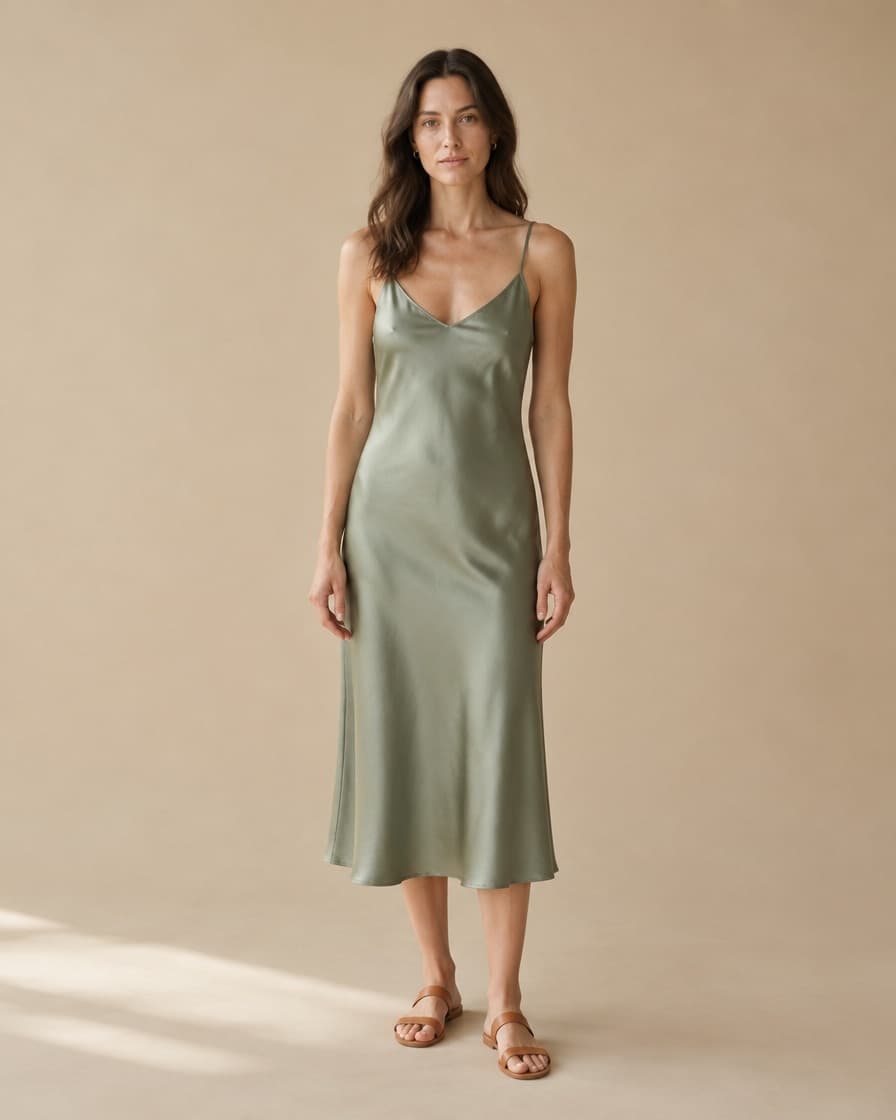
How to do it
- Step 1
Copy the product link
From any online shop. The shop does not need to offer try-on.
- Step 2
Add one photo
Full body, facing the camera, arms slightly away from your sides.
- Step 3
See it on you
About thirty seconds later. Then try the next one without uploading again.
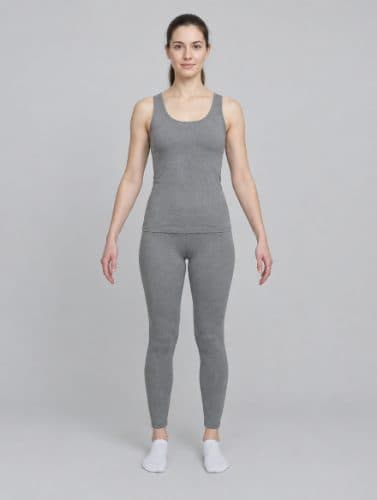
Tips for the best result
- Stand facing the camera with your arms slightly away from your sides.
- Fitted clothes in your photo give a cleaner result than loose layers.
- Include your feet, so the hemline lands in the right place.
Questions
Can I try on a dress from any website?
Yes. Copy the link to the dress's product page from any online shop and paste it into GetStyle. The shop does not need to support try-on.
Will it show me how the dress fits?
It shows how the dress looks on you: colour, length and cut on your body. It does not measure you, so use the shop's size guide to choose your size.
Can I compare several dresses?
Yes. After your first result, paste the next link and GetStyle reuses your photo, so you can compare dresses from different shops in a few minutes.
Try it on something
Find the one you are thinking about, copy the link, and see it on you. It takes about a minute and costs nothing.
Paste a product linkAlso try on: watches, jewelry, shoes or anything else.