Virtual shoe try-on
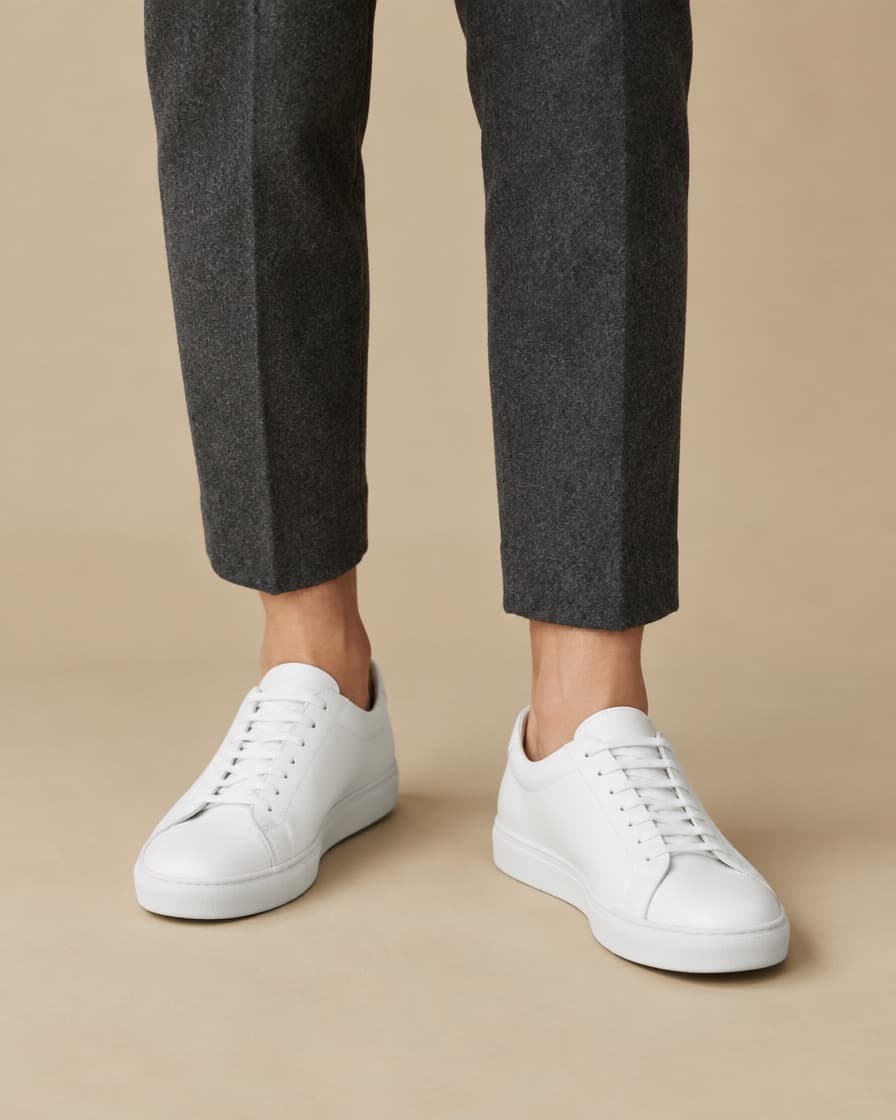
Shoes look different on your feet than on a white background. Paste the link to any pair from any online shop, add one photo of your feet, and see how they look with what you actually wear.
Sneakers, boots and heels all work the same way.
Free. No account, no app.
How to do it
- Step 1
Copy the product link
From any online shop. The shop does not need to offer try-on.
- Step 2
Add one photo
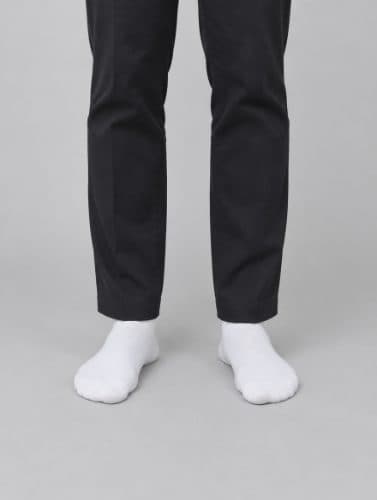
Standing, feet visible, shot from around knee height.
- Step 3
See it on you
About thirty seconds later. Then try the next one without uploading again.
Tips for the best result
- Stand with both feet visible, shot from around knee height.
- Wear the trousers or skirt you would wear with the shoes.
- A plain floor gives the cleanest result.
Questions
Can I try on shoes from any shop?
Yes. Paste the link to the shoes' product page from any online shop, including brand sites and marketplaces.
Will it tell me my shoe size?
No. It shows how the shoes look on you, not how they fit. Use the shop's size guide for sizing.
What photo do I need?
Stand with your feet visible and take the photo from around knee height. You can reuse it for every pair you try.
Try it on something
Find the one you are thinking about, copy the link, and see it on you. It takes about a minute and costs nothing.
Paste a product linkAlso try on: watches, jewelry, dresses or anything else.